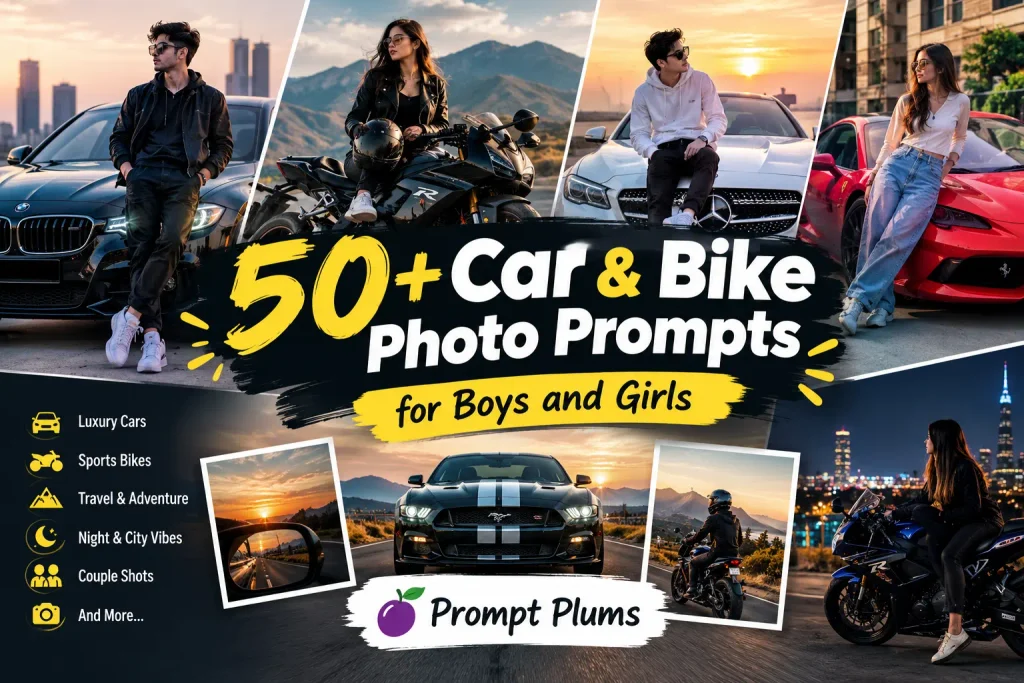
50+ Car & Bike Photo Prompts for Boys and Girls
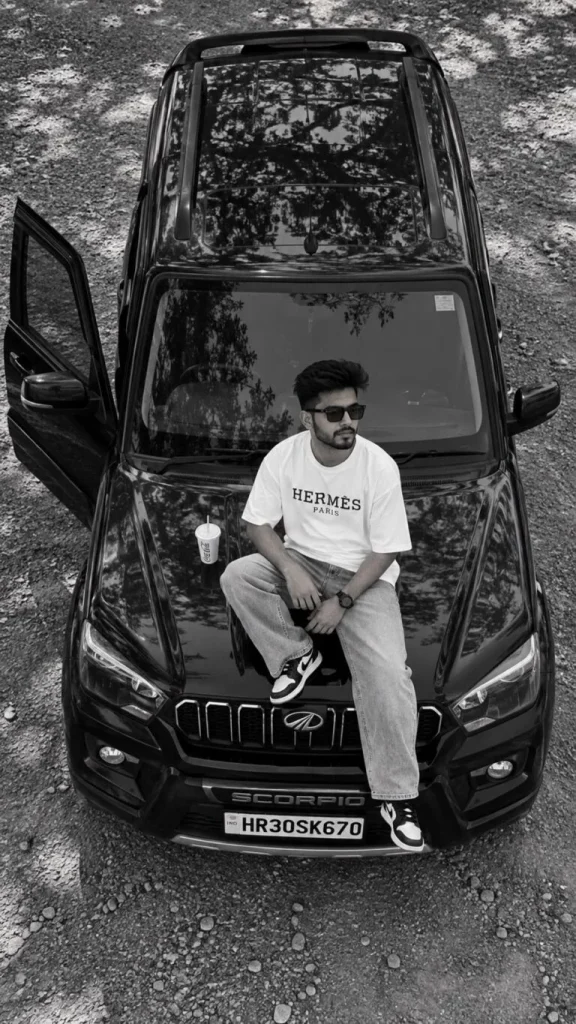
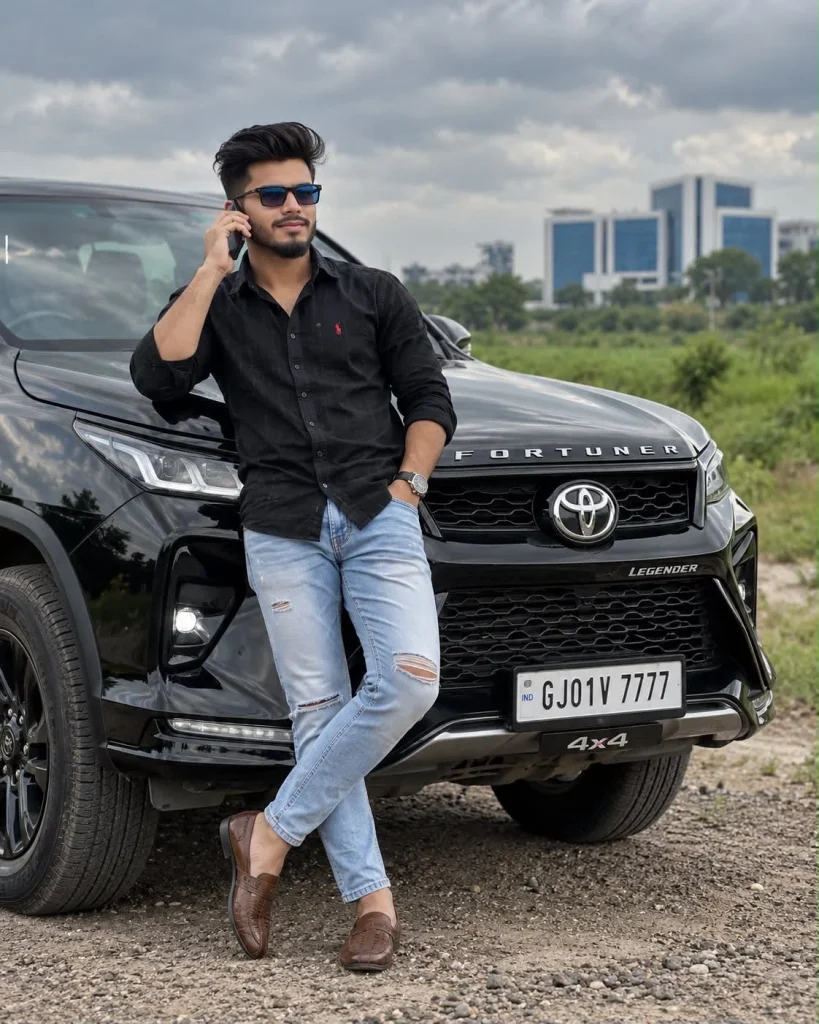
If you love cars, bikes, and stylish photography, these Car & Bike Photo Prompts for Boys and Girls can help you create eye-catching AI photos in just a few steps. You can use these prompts to turn a normal picture into a luxury car portrait, sports bike scene, cinematic road photo, sunset ride, night street shot, or stylish Instagram-style image. You also try prompts from our prompt plum you want a Car Photo Prompt, Bike Photo Prompt, Luxury Car AI Photo, Sports Bike AI Photo, or Viral AI Photo Prompt, you can simply copy a prompt, upload your photo, and create a new look with your favorite AI image tool.
These prompts are made for both boys and girls and can be customized for different outfits, cars, bikes, locations, lighting styles, and poses. You can also change the vehicle, background, clothes, and mood to make the final image match your own style.
What Are Car & Bike Photo Prompts?
Car and bike photo prompts are ready-to-use instructions that tell an AI image generator how you want your photo to look. You can describe the vehicle, pose, outfit, location, lighting, camera angle, and overall mood.
For example, you can create a photo of yourself standing beside a black sports car at night or sitting on a motorcycle during sunset. A good prompt gives the AI enough visual information to create a more realistic and detailed result.
Why Are Car & Bike AI Photo Prompts Trending?
Car and bike edits are popular because they combine fashion, lifestyle, travel, and cinematic photography in one image. A simple personal photo can be transformed into a completely different scene with the right prompt.
You can create luxury car photos, motorcycle riding scenes, rainy street edits, mountain road pictures, sunset portraits, and many other styles. These types of images can also work well for Instagram posts, profile pictures, Facebook posts, WhatsApp Status, and other social content.
Prompt Tips for Better Car & Bike AI Photos
Use these tips when creating your AI car and bike photos:
1. Use a Clear Photo
Start with a clear image where your face and body are easy to see. Blurry or very dark photos can make it harder for the AI tool to keep your appearance natural.
2. Describe the Vehicle Clearly
Mention the type, color, and style of the car or bike you want. For example, you can ask for a black sports car, white luxury SUV, red supercar, or black sports motorcycle.
3. Add a Specific Location
A detailed location can make the image feel more realistic. Try locations such as a city street, mountain road, parking garage, highway, beach road, or petrol station.
4. Choose the Right Lighting
Lighting can completely change the mood of an AI photo. Try golden hour, sunset light, blue hour, cinematic night lighting, neon lights, soft daylight, or rainy-night lighting.
5. Mention Your Outfit
Add clothing details that match the scene. You can use a leather jacket for a bike photo, casual clothes for a road trip, or a formal outfit for a luxury car portrait.
6. Keep the Pose Natural
Instead of using complicated poses, ask for natural actions such as standing beside the car, leaning against the vehicle, holding a helmet, sitting on the bike, or standing near an open car door.
7. Add Camera Details
Words such as realistic photography, shallow depth of field, cinematic composition, natural skin texture, detailed background, and professional photography can help describe the visual style more clearly.
8. Protect Your Face
If you are editing your own photo, add instructions such as keep my facial features natural, preserve my identity, realistic face, natural skin texture, and accurate facial proportions.
9. Avoid Too Many Effects
Adding too many effects can make the image look artificial. Keep the prompt focused on the main subject, vehicle, lighting, location, and style.
10. Try Different Versions
Do not stop after one result. Change the background, outfit, lighting, vehicle color, or camera angle and generate a few different versions.
Common Issues
Sometimes the final image may not look exactly like the prompt. Here are some common problems and simple ways to fix them.
Face Looks Different
If the face changes too much, use a clearer reference photo and add instructions such as preserve facial identity and keep natural facial features.
Car or Bike Looks Wrong
AI tools can sometimes create unusual vehicle shapes, wheels, lights, or other details. Add more specific information about the vehicle and ask for realistic proportions and accurate vehicle details.
Hands and Fingers Look Unnatural
Hands can sometimes appear distorted, especially when holding a steering wheel or helmet. Try a simpler pose and avoid asking for complicated hand movements.
Background Looks Fake
If the background does not match the subject, describe the location more clearly. Include details such as road type, buildings, weather, lighting, and time of day.
Clothes Change
If you want a specific outfit, describe the clothing clearly and avoid adding too many different fashion details in one prompt.
Image Looks Too Artificial
Use phrases such as photorealistic, natural skin texture, realistic lighting, natural shadows, detailed photography, and authentic camera look. Avoid adding excessive fantasy effects if you want a real photograph.
Car and Person Do Not Match
Sometimes the person may look too large or too small compared with the vehicle. Add realistic proportions, natural perspective, and correct subject scale to the prompt.
How to Create Car & Bike AI Photos
Creating these images is simple:
- Choose a Car or Bike Photo Prompt from the list.
- Open your preferred AI image editing tool.
- Upload a clear reference photo if the tool supports image editing.
- Copy and paste your selected prompt.
- Replace the car, bike, outfit, or location details if needed.
- Generate the image.
- If something looks wrong, adjust the prompt and try again.
- Save your favorite result and use it for your social media post.
Conclusion
These 50+ Car & Bike Photo Prompts for Boys and Girls give you many easy ideas for creating stylish AI photos. From luxury cars and sports bikes to sunset roads, rainy streets, mountain rides, and cinematic night scenes, you can try different looks without creating every idea from scratch.
Choose your favorite Car Photo Prompt or Bike Photo Prompt, add your own photo, and customize the details to create a realistic image that matches your style. Try different vehicles, outfits, locations, and lighting until you find the look you like.